.svg "novoserve-dedicated-server-provider-logo")
A “standard” dedicated server doesn’t come with root (administrative) access. You are put into a box, often restricted to a pre-installed operating system, you share resources with other users, and most importantly, you lack the permission to modify core system settings. If you need to install custom software or tweak the server's kernel for better performance, you are blocked.
To break free from these restrictions, you need a dedicated root server. There are different levels of root access, we’ll go through them in the blog.
What is a Dedicated Root Server?
To understand the value, we first need to define the terms. A dedicated root server is a physical bare metal server leased to a single tenant, where that tenant is granted full, unrestricted administrative privileges—known as "root" access in Linux environments or "Administrator" access in Windows. When you look to rent a dedicated root server or buy a dedicated root server service, you aren't just paying for hardware; you are paying for sovereignty.
While "Dedicated" refers to the hardware (the CPU, RAM, and Disk are 100% yours, not shared), "Root" refers to your level of control. It means there is no managed support layer blocking you from the operating system’s core. You hold the keys to the castle.
What Is Root Access?
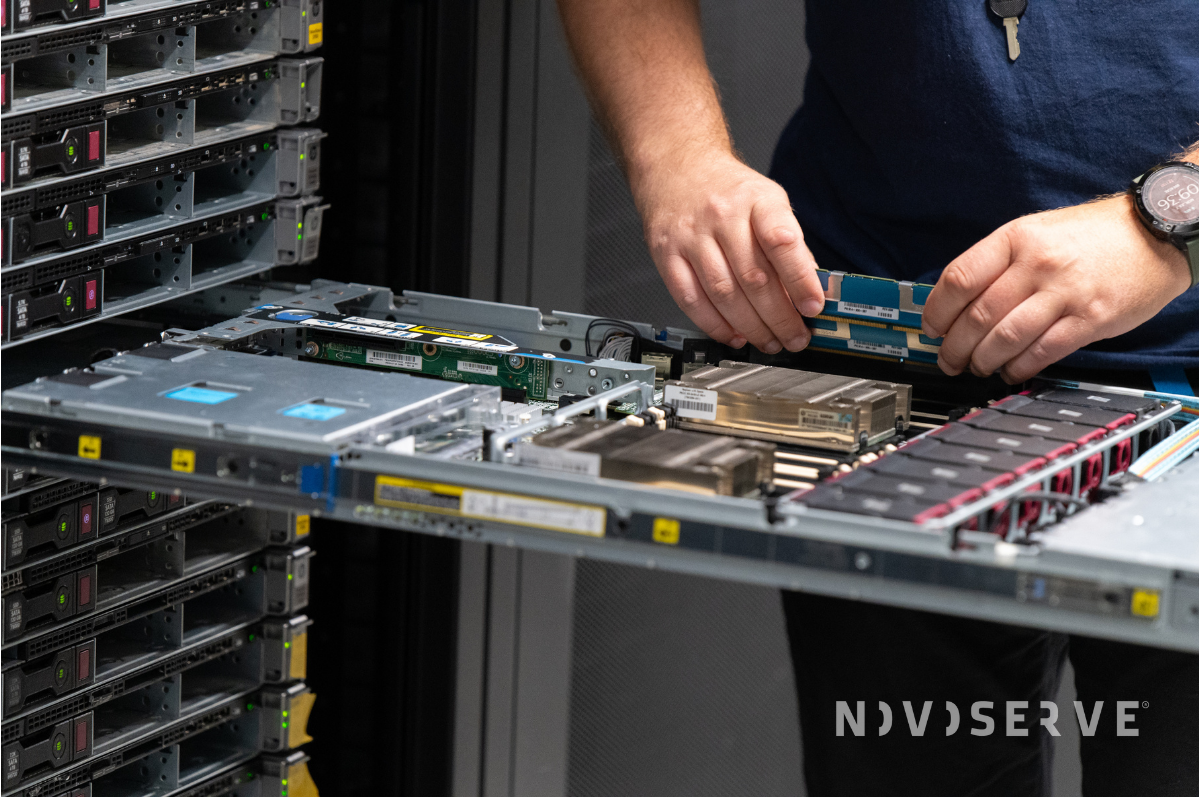
This is the most critical section for sysadmins and CTOs. Why is dedicated root server hosting from providers such as NovoServe and Atlantic.Net so sought after? Because "Root" isn't just a permission level; it is the freedom to configure every single byte of your environment.
When you have root privileges, you bypass the restrictions of managed hosting panels. Here is what that looks like in practice:
✅ Total Operating System Freedom
On a managed server, you run what the host supports. With a dedicated root server, you decide.
- Choice of Distro: Install the specific version of Ubuntu, Debian, AlmaLinux, FreeBSD, or Windows Server that your application requires.
- Custom Kernels: Need a real-time kernel for low-latency trading? Or a hardened kernel for security? You can compile and install whatever you need.
- Hypervisors: You can turn your dedicated server into your own private cloud by installing hypervisors like Proxmox, ESXi, or KVM.
For high-bandwidth users—like those we see at NovoServe in streaming or VPN providers — default network settings are rarely enough. Root access allows you to modify the TCP/IP stack directly via sysctl.
- Optimize buffer sizes for high-throughput data transfer.
- Tweak congestion control algorithms (like BBR) to maximize speed across our global network.
- Configure advanced routing and IP forwarding.
You aren’t forced to rely on a generic firewall. You can build a fortress tailored to your threat model.
- Configure granular iptables or nftables rules.
- Install and manage your own Intrusion Detection Systems (IDS) like Suricata or OSSEC.
- Set up strict SSH key management policies and disable password authentication entirely.
- Deploy private VPN tunnels (WireGuard/OpenVPN) directly on the gateway level.
Developers hate dependencies they can't control. With root access:
- You are not stuck with an outdated version of PHP, Python, or MySQL provided by a control panel.
- You can install custom libraries, compile software from source, and manage Docker containers or Kubernetes clusters exactly how you see fit.
You control how the disk is used.
- Implement ZFS for advanced data integrity and snapshots.
- Configure software RAID (mdadm) levels that suit your redundancy needs.
- Partition drives to separate logs, data, and OS for better stability.
Full Control with NovoServe
At NovoServe, we believe that if you rent the hardware, you should have control of the hardware and all the resources. That is why every server we deploy is a dedicated server with root access.
We take this a step further than simple SSH access. We provide you with Out-of-Band Management (OOBM) at no extra charge. You get full access to the server’s remote management interface—iLO (for HPE servers) or IPMI (for Supermicro servers).
Even if you accidentally lock yourself out of the OS via SSH, or if you need to access the BIOS/UEFI settings to change boot orders, you can still access your server remotely. It’s like standing right in front of the server in our data center, but from the comfort of your office.
Dedicated Server vs. Root Server
If you search for dedicated server vs root server, you might find the terminology confusing. In the hosting industry, these terms are often used interchangeably, but there is a nuance you need to understand.
The "Virtual" Root Server: In some markets, budget providers use the term "Root Server" to describe a virtual machine (VPS) where you have root access. While you have software control, you are still on shared hardware with "noisy neighbors."
The True Root Dedicated Server: This is the NovoServe standard. A root dedicated server is a physical machine. It combines the raw, consistent performance of bare metal with the administrative freedom of root access.
So, when we talk about a dedicated server with root access, we mean the best of both worlds: Physical Exclusivity + Administrative Freedom.
Ready to Take Command?
If you are tired of limitations and ready for a server that does exactly what you tell it to, it’s time to switch to bare metal.
We have Always-On Deals available right now. Whether you need high-bandwidth streaming power or a massive storage machine, you can deploy a dedicated root server instantly.