.svg "novoserve-dedicated-server-provider-logo")
For many systems administrators and CTOs, it seems like the logical step up when a standard VPS can no longer handle the load. However, the hosting landscape has shifted. With the commoditization of hardware and the rise of automated bare metal provisioning, the price-to-performance ratio of high-end VDS solutions often falls short of entry-level dedicated servers.
This report analyzes the technical distinctions between VDS and Dedicated Servers, focusing on CPU scheduling, I/O contention, network throughput, and cost efficiency at the €50–€150/month price point.
Architecture: The "Hypervisor Tax"
The primary difference between a VDS and a Dedicated Server is the existence of the virtualization layer (Hypervisor). While a VDS guarantees "pinned" or "dedicated" CPU cores, it cannot eliminate the overhead of the virtualization software (such as KVM, VMware ESXi, or Xen).
CPU Steal Time & Context Switching
On a VDS, your "Dedicated vCPU" is still a thread scheduled by the host’s kernel.
⚠️ Context Switching: The physical CPU must constantly switch between the host OS, the hypervisor, and your Guest OS. This introduces micro-latency (overhead), typically costing 3–5% of raw CPU power in idle states, and up to 10–15% under heavy load.
⚠️ L3 Cache Contention: This is the hidden bottleneck. While you may have dedicated cores, you often share the CPU’s L3 Cache with other tenants on the same physical die. If a "neighbor" runs a cache-heavy workload (e.g., database compilation), your memory bandwidth suffers, leading to inconsistent processing times.
Bare Metal Reality: A dedicated server offers direct access to the instruction set. Steal Time is always 0.0%. You have exclusive access to the L3 cache, ensuring deterministic performance for latency-sensitive applications like Real-Time Bidding (RTB) or VoIP.
Compute Isolation:
|
Feature |
Virtual Dedicated Server (VDS) |
Dedicated Server (Bare Metal) |
|
CPU Access |
Passthrough (Virtualization Extensions) |
Direct (Native Instruction Set) |
|
Steal Time |
0.1% - 5% (Variable) |
0% (Guaranteed) |
|
L3 Cache |
Shared / Contended |
Exclusive |
|
Kernel Access |
Guest Kernel Only |
Full Hardware Control (IPMI/BIOS) |
Storage I/O: The "Blender Effect"
Storage performance is rarely about sequential throughput (MB/s); it is about IOPS and Latency.
In a VDS environment, multiple tenants often share a localized NVMe array or a network-attached SAN. Even if the provider sets QoS limits (e.g., "Guaranteed 5,000 IOPS"), they cannot easily control the I/O Queue Depth.
⚠️ The Blender Effect: When multiple VMs issue random read/write requests simultaneously, the physical storage controller sees a randomized stream of data. This forces the drive to work harder to organize writes, increasing latency for everyone.
⚠️ Stochastic Latency: You might get 0.5ms latency one minute, and 15ms the next, depending on your neighbors' activity.
Bare Metal Reality: You own the physical disks and the SATA/NVMe controller. If you are running a high-transaction database (PostgreSQL, MySQL, MongoDB), physical isolation ensures that write latency remains flat, regardless of external factors.
Networking: Throughput vs. Oversubscription
This is often the deciding factor for streaming platforms, VPN providers, and content delivery networks (CDNs).
The Oversubscription Problem
Most VDS providers connect their host nodes (physical servers) to the network via a 10Gbps or 40Gbps uplink. However, that node might host 20–50 VDS instances.
⚠️ The Math: If a node has a 10Gbps uplink and hosts 20 clients each promised "1Gbps," the Oversubscription Ratio is 2:1. In budget hosting, this ratio can be as high as 10:1.
⚠️ Packet Loss: During peak times, this contention leads to dropped packets and increased jitter, which is catastrophic for UDP-based traffic (gaming, voice, video).
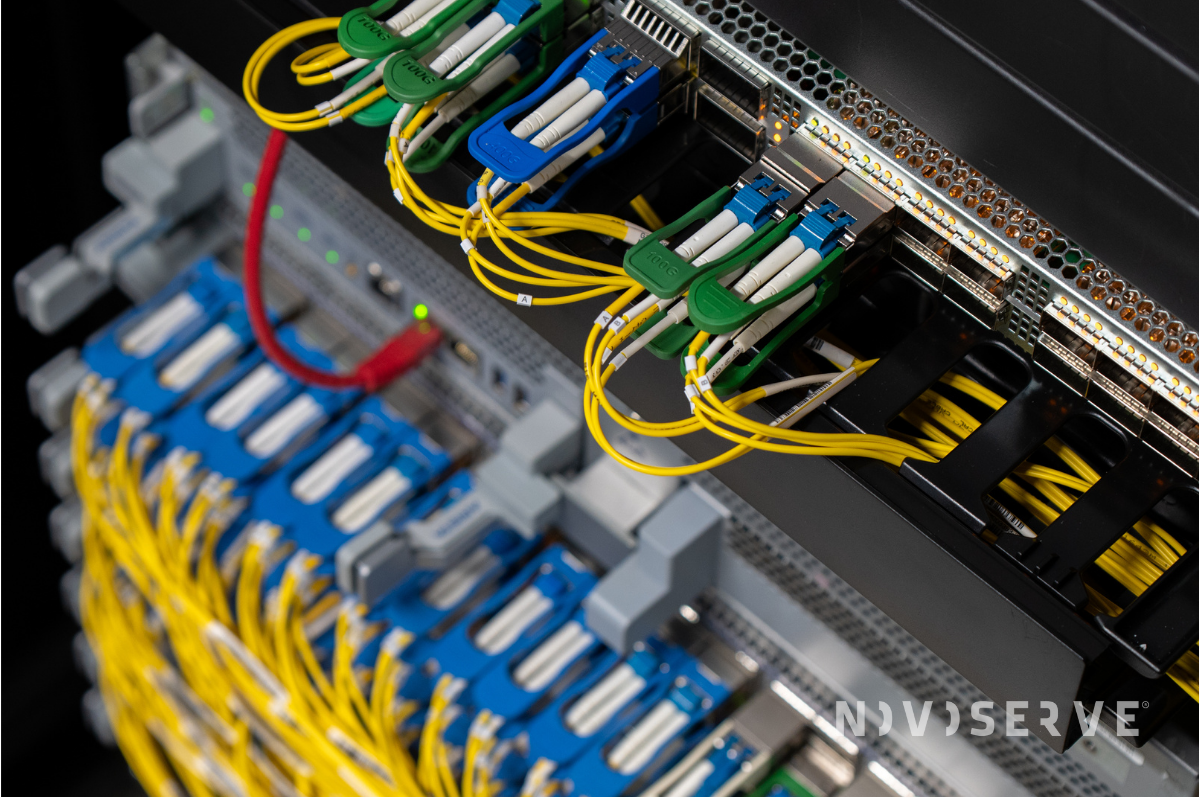
The NovoServe Standard
We architect our network to eliminate this bottleneck for high-bandwidth users.
🦾 Dedicated Port: Every NovoServe dedicated server comes with a 2 Gbps Dedicated Uplink as the standard minimum. This is not a shared slice; it is a physical capacity dedication.
🦾 Traffic Volume: While VDS providers often cap traffic at 5–10 TB (charging heavy overage fees), our infrastructure is built for volume, including 25 TB of global traffic free of charge and very attractive bandwidth volumes.
|
Metric |
High-End VDS Provider |
NovoServe Dedicated |
|
Port Speed |
1 Gbps (Shared/Capped) |
2 Gbps (Dedicated) |
|
Traffic Limit |
5 TB - 10 TB |
25 TB Included |
|
Network Jitter |
Variable (Shared Switch) |
Near-Zero (Single Tenant) |
|
IPv4/IPv6 |
Shared Subnet |
Dedicated IPs / Subnet |
Cost Analysis: The Break-Even Point
There is a prevailing myth that VDS is cheaper. This is true for entry-level slices (€10–€30/month). However, once you require "Production Grade" resources (32GB+ RAM, 8+ Cores), the VDS pricing curve creates a paradox.
👀 Scenario: You need a server for a growing SaaS platform.You need maybe 8 Cores, 64GB RAM, High Bandwidth.
Market Comparison in 2026:
|
Comparison Item |
Premium Cloud VDS |
NovoServe Entry Dedicated |
Analysis |
|
CPU |
8 vCores (Virtual) |
16 Physical Cores (32 Threads) |
3x Thread Count on Dedicated |
|
RAM |
64 GB |
64 GB |
Same Capacity, Higher Reliability (ECC) |
|
Storage |
400 GB NVMe |
2x 480 GB SSD |
More Raw Storage on Dedicated |
|
Bandwidth |
5 TB limit |
25 TB limit (2Gbps rate) |
5x Traffic Allowance |
|
Price |
~€110 - €140 / mo |
~€70 - €100 / mo |
Dedicated is ~30% Cheaper |
At the €80+ price point, a VDS is often more expensive per unit of performance than a dedicated server. You are paying a premium for the virtualization software that actually slows you down.
Does VDS Fit Your Workload?
The decision between virtualization and bare metal relies on the specific demands of your workload's lifecycle. A Virtual Dedicated Server is the superior choice for environments requiring extreme agility; if you need to provision fifty instances for a transient workload or rely heavily on instant system snapshots for development rollbacks, virtualization offers unmatched flexibility. It also remains the standard for micro-budgets strictly under €40 per month where raw performance is secondary to cost.
Conversely, for long-term production environments where performance consistency is paramount, bare metal becomes the clear architectural winner. Applications sensitive to CPU "steal time" or I/O latency—such as databases, streaming platforms, and real-time bidding systems—often struggle within the constraints of a hypervisor.
Once your monthly investment crosses the €60 threshold, or your bandwidth requirements exceed 5TB, the dedicated server usually offers a better return on investment. By moving to a single-tenant environment, you gain the security of physical isolation and the guarantee that your hardware resources are yours alone. In many cases, engineers searching for a "virtual dedicated" solution are solving the right problem—resource isolation—but using the wrong tool, when a physical server provides that same dedication at a lower effective cost.
💡 We currently have a promo on 1Gbps unmetered dedicated server for €59 only.