.svg "novoserve-dedicated-server-provider-logo")
In infrastructure cost management, bandwidth is often the most volatile variable in the monthly budget. For data-intensive enterprises—ranging from global streaming platforms and VPN providers to CDN hubs and AI research hubs—traditional metered billing is a relic of the past. To ensure growth without financial friction, more leaders are looking to deploy unmetered dedicated servers.
However, simply having an "unlimited" pipe isn't enough. To truly succeed, you must understand the interplay between network topology, hardware bottlenecks, and port saturation. We are outlining the critical factors you must consider to choose an unmetered dedicated server that delivers on its promises.
What is an Unmetered Server?
Before you select an unmetered dedicated server, it is vital to distinguish it from "burstable" or "metered" models. In a server hosting unmetered environment, you pay for the capacity of the port—not the volume of the data. You generally have options of unmetered bandwidth ports from a few hundred Mbps to 1Gbps, 2Gbps, or even 100Gbps uplink ports.
Whether you push 100 Terabytes or 10 Petabytes, your monthly cost remains identical. This model provides 100% cost predictability, which is great for your CFOs or CTOs to scale their traffic without fearing the bandwidth bills at the end of the month.
Identify Your Bandwidth Needs
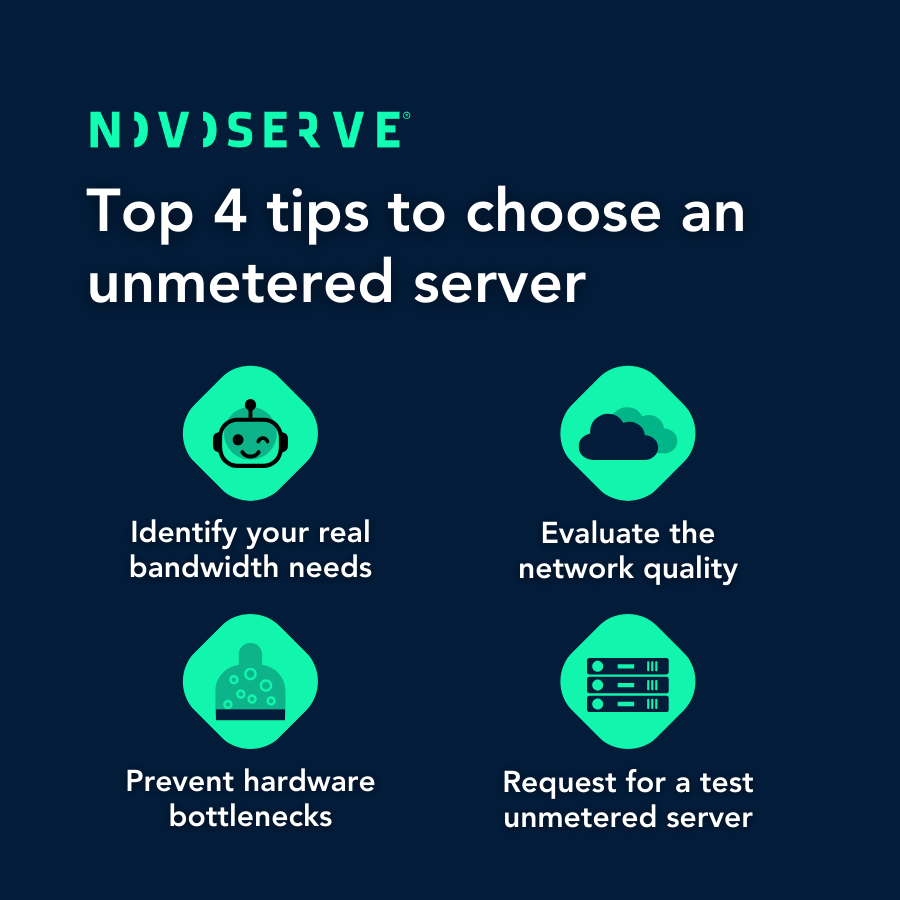
The first step to choose an unmetered dedicated server is a realistic audit of your traffic patterns. A common pitfall is over-provisioning or, conversely, selecting a port that bottlenecks your application.
✅ Throughput Calculation: A 1 Gbps unmetered port can technically move ~324 TB per month if fully saturated. A 10 Gbps port moves ~3.2 PB. If your current monthly consumption is approaching 250 TB, it is time to leap to a 10 Gbps port to allow for overhead and bursts.
✅ Sustained vs. Peak: High-bandwidth workloads like VPNs often have sustained loads, while CDNs experience massive peaks. If your load is constantly near 80% of your port capacity, you risk packet loss during spikes. Always leave at least 20% "headroom" when you select an unmetered server.
To help you choose, here is a quick breakdown of what these ports can actually handle in a 30-day month:
| Port Speed | Max Monthly Transfer (Theoretical) | Best Use Case |
| 1 Gbps | ~324 TB | VPN Nodes, Small IPTV, Web Crawlers |
| 10 Gbps | ~3.2 PB | CDN Edge, High-Res Streaming, AdTech |
| 50 Gbps | ~16.2 PB | AI Clusters, Massive Data Replication |
Evaluate Network Backbone
When you buy an unmetered server, the quality of the "pipes" outside the data center is just as important as the port on your machine. Server unmetered performance lives or dies by the provider's peering and transit strategy.
✅ The "Middle Mile": A high-quality network must be multi-homed with several Tier 1 carriers (such as Lumen, NTT, or GTT). This ensures your data always finds the fastest path.
✅ Direct Peering: Look for a provider with a dense peering fabric. By connecting directly to major ISPs and Internet Exchange Points (IXPs) like AMS-IX or DE-CIX, your data bypasses the congested public internet, reducing latency and increasing stability.
✅ 1:1 Contention Ratios: Some providers "overbook" their network, assuming not everyone will use their 10 Gbps port at once. At NovoServe, we offer dedicated 1:1 uplinks, meaning your server hosting unmetered capacity is yours and yours alone. Our network usage is largely below our maximum capacity.
Prevent Hardware Bottlenecks
You cannot drive a Ferrari through a straw. A frequent mistake when companies buy an unmetered server is failing to align the hardware with the network speed. To fully saturate a 10 Gbps or 20 Gbps link, your hardware must be optimized.
✅ CPU Power: For encrypted workloads (VPN/SSL), your CPU must handle massive packet processing. For 10 Gbps+ throughput, dual AMD EPYC or high-core Intel Xeon processors are recommended to avoid CPU-based throughput throttling.
✅ Storage Throughput (NVMe vs. SATA): If you are serving content from a disk, the disk read speed must exceed the network speed. A standard SATA SSD might bottleneck at 500 MB/s. To saturate a 10 Gbps port (~1.25 GB/s), you require NVMe storage in a RAID configuration.
✅ RAM Buffering: High-throughput streaming requires significant RAM to buffer outgoing data packets. Ensure your server has at least 128GB of RAM for high-density 10G/20G workloads.
Performance Verfication
When you choose an unmetered dedicated server, you are moving away from the complexity of 95th percentile billing. This simplifies your accounting, but it places the burden of performance on the provider's network stability.
To ensure you are getting what you pay for, follow these verification steps:
✅ The Looking Glass: Use the provider’s "Looking Glass" tool to run mtr (My TraceRoute) and ping tests from their network to your primary user clusters.
✅ Test Files: Download 10GB or 100GB test files from their data center to verify sustained download speeds.
✅ Request a Test Server: For enterprise-grade deployments, ask for a 12-hour test window. Use industry-standard tools like iperf3 to perform a stress test between your existing infrastructure and the new server unmetered node.
NovoServe’s unmetered infrastructure is architected for high-performance pipelines. When you decide to choose an unmetered server from us, you are plugging into a global 19+ Tbps network designed for the world's most demanding tech stacks.
To choose an unmetered dedicated server is to choose operational freedom. By removing the constraints of metered billing and aligning your hardware with a premium network, you empower your business to grow without boundaries.
>>> Learn more about our unmetered dedicated server