.svg "novoserve-dedicated-server-provider-logo")
Have you tried video streaming server hosting on Cloud? Cloud instances often fall short when your streaming business starts to spike. The market is crowded with low-quality "reseller" options that buffer the moment a big game starts. For businesses who want to build a professional, long-term streaming brand in Europe or the US, you need to get the physical video streaming servers sitting in the rack.
Streaming is fundamentally a delivery challenge. You are moving massive amounts of data in real-time to users who have zero patience for lag. Before you write a single line of code or buy a middleware license, you need to understand the "metal" beneath the service. We’ll cover the legalities, the hardware requirements, and the step-by-step process of deploying a professional VOD streaming server environment on bare metal.
Is Video Streaming Legal in America and Europe?
Before investing in hardware and starting your business, it is vital to understand the regulatory environment. The technology of delivering television over internet protocols (IPTV server) is entirely legal. Platforms like Hulu, YouTube TV, and Sling are all technically OTT providers.
However, the legality of a video streaming hosting server depends entirely on the content rights. In the US, the Digital Millennium Copyright Act (DMCA) governs how content is shared, while in the EU, various copyright directives (such as the 2019 Directive on Copyright in the Digital Single Market) apply.
⚠️ If you are building an streaming service, you need to know:
- You own the broadcast rights or have a licensing agreement for every channel or VOD title provided.
- You comply with local GEO-blocking requirements if your content licenses are restricted to specific regions.
- Your data center provider (like NovoServe) provides the "pipes and power" but does not manage your content or software.
Operating a legal service in the EU or US is highly profitable, but it requires transparency and legitimate content sourcing. Using a professional bare metal provider ensures you have the network quality required for a high-end user experience.
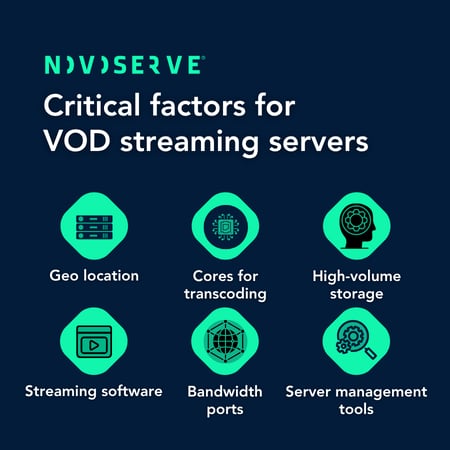
6 Critical Factors for a Video Streaming Server
When you move away from shared hosting to a dedicated video streaming server, you are buying raw power. Here are the balancing six specific pillars of performance. If one of these fails, the user experience collapses.
1. High Core Counts for Transcoding
Video transcoding—converting a source stream into different resolutions—is a "CPU-heavy" task. If you want to offer 4K, 1080p, and 720p versions of a channel simultaneously, your server needs serious "horsepower." We recommend AMD EPYC or Dual Intel Xeon configurations with at least 32 threads. This ensures that even during peak load, the CPU doesn't bottleneck and cause "macro-blocking" or stuttering for the end-user.
2. High-Performance Storage for VOD
For Video on Demand (VOD) libraries, disk "read speed" is the limit. While HDDs are fine for massive archives, your active library should live on NVMe SSDs. With read speeds exceeding 5,000 MB/s, NVMe allows hundreds of different users to start different movies at the exact same millisecond without any "seek time" delay.
3. The Network: 10 Gbps and Peering
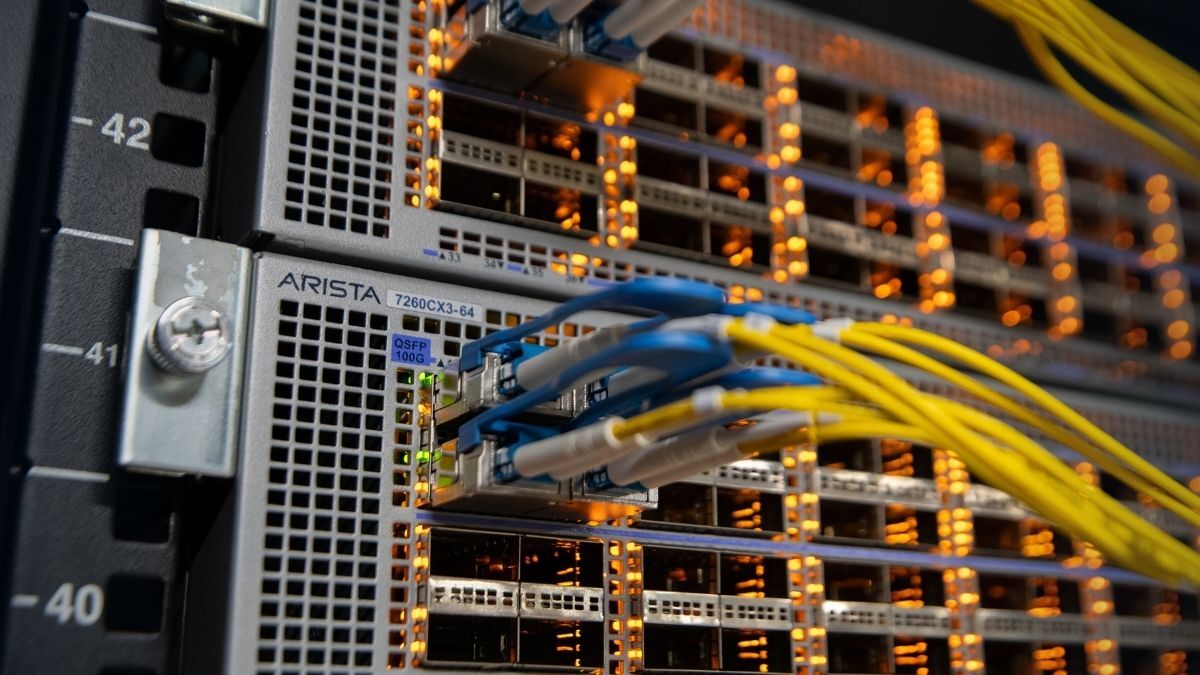
Bandwidth is the lifeblood of a VOD streaming server. Most providers fail because they use 1 Gbps ports that get saturated during popular events. To scale, you need 10 Gbps unmetered ports. It’s not just about the size of the pipe, but where that pipe goes. Choosing a provider with deep peering at exchanges like AMS-IX ensures your data takes the shortest path to the viewer, minimizing "hops" and packet loss. For a deeper dive into these metrics, you can check out our guide on streaming hardware requirements.
4. Geographic Location and Latency
Physics matters. If your customers are in Germany or the UK, your server should be in a central hub like the Netherlands or Denmark. If you are targeting the East Coast of the US, a New York data center is non-negotiable. Lowering the physical distance between the server and the user (latency) is the most effective way to eliminate the "initial load" delay when a user clicks a channel.
5. Middleware and Streaming Software
The hardware is the engine, but the software is the dashboard. For a professional setup, you’ll need a robust "Panel" or Middleware like Xtream UI, Flussonic, or Nimble Streamer. These tools manage user authentication, load balancing between multiple servers, and the actual "re-streaming" of the video feed. Since we provide bare metal, you have the total freedom to install and optimize any software stack you prefer.
6. Server Management and Monitoring Tools
Streaming is a 24/7 business. Since NovoServe provides unmanaged bare metal, you are in the driver's seat. You should implement a management tool like Zabbix or Grafana to monitor your "NIC" (Network Interface Card) traffic and CPU temperatures. Being able to see a traffic spike before it hits your port limit allows you to spin up a second "load balancer" server before your users notice a drop in quality.
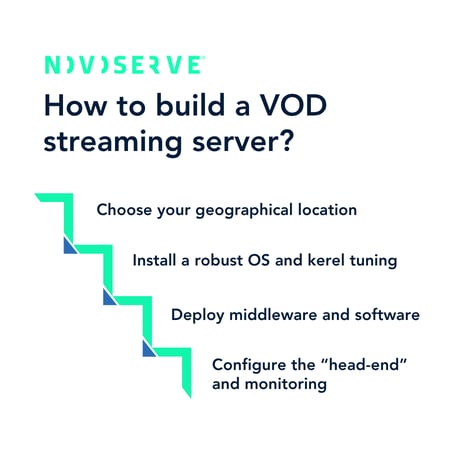
How to Build a Streaming Server in Steps?
Building on bare metal gives you total control. Since NovoServe provides unmanaged bare metal, you are the architect of your own environment.
Step 1: Choose Your Geographic Location
Location is the primary factor affecting latency. You must choose a data center as close to your largest visitor group as possible to ensure fast page loading and a seamless viewing experience.
Step 2: Install a Robust OS and Kerel Tuning
Most professional streaming architectures are built on Ubuntu or CentOS. Because you are using bare metal, you have "root" access, allowing you to perform deep technical optimizations.
-
Kernel Tuning: You can tune your network stack to handle thousands of concurrent open connections, which is essential for high-traffic streaming.
-
Security: In an unmanaged environment, you are responsible for your own security patches, firewalls (like IPTables), and updates.
Step 3: Deployment of Middleware and Software
Middleware acts as the central "dashboard" that unifies your subscriber database, channel lists, and interactive features.
-
Management Panels: Popular choices include Xtream UI or Enigma2-based panels for managing users and channel bouquets.
-
Professional Streaming: For heavy-duty transcoding and delivery, software like Flussonic or Nimble Streamer is standard for professional-grade services.
-
The "Swiss Army Knife": Use FFmpeg via command line for versatile video conversion and handling various stream sources.
Step 4: Configuring the "Head-End" and Monitoring
The "Head-End" is where your source feeds (satellite, cable, or IP) are ingested.
-
Transcoding: High-core count CPUs (like AMD EPYC) are used here to transcode streams into multiple bitrates (Adaptive Bitrate Streaming) so users with slower internet can watch without interruption.
-
Active Monitoring: While the hardware provider supplies the "pipes and power," you should implement tools like Netdata or Zabbix. These allow you to track real-time bandwidth usage and CPU spikes, ensuring you can scale before your users experience buffering.
Step 5: Scaling with a Dedicated Delivery Network
When your audience grows into the thousands, streaming from a single machine creates a dangerous single point of failure. Professional streaming infrastructure setups use a distributed architecture.
-
The Main (Origin) Server: This acts as your "command center." It manages your subscriber database, channel lists, and VOD storage. This server doesn't need to handle every user; instead, it pushes the streams to your delivery nodes.
-
The Edge Servers: These are high-performance 10 Gbps nodes placed strategically at the "edge" of the network, closer to your users. By distributing the load across multiple edge servers, you prevent any single server from becoming overwhelmed during peak traffic, such as major live sporting events.
-
Benefits of Edge Delivery: Using edge nodes significantly reduces buffering latency by caching content regionally. If one edge server fails, your load balancer can instantly shift viewers to another healthy node, ensuring your service stays online 24/7.
Choose 1 Gbps or 10 Gbps Unshared Ports
Many new providers ask: "Do I really need 10 Gbps?" Let’s look at the objective math.
1080p Stream: Typically uses 5 to 8 Mbps.
4K Stream: Typically uses 20 to 25 Mbps.
On a 1 Gbps port, once you account for overhead and network fluctuations, you can safely host about 120–150 concurrent 1080p viewers. If you have a successful marketing campaign and 500 people log in at once, your 1 Gbps port will "choke," and your service will crash.
A 10 Gbps unmetered port takes that limit up to 1,200+ concurrent viewers on a single machine. For a streaming business to be profitable and scalable, starting with or having the immediate option to upgrade to a 10 Gbps or even 20 Gbps connection is the only way to ensure long-term stability.
Our product manager, Sjoerd van Groning, has written a deep dive into how much bandwidth you need for streaming. You can read more about the calculation and use cases in the blog.
💬 Do you need help in building your powerful video streaming servers? Live chat with us and ask your questions.